Aston Martin DIY Headlight Upgrade Installation, a guide to installing the DB9S Bi-LED headlight upgrade for Aston Martin DB9, DBS and Vantage.
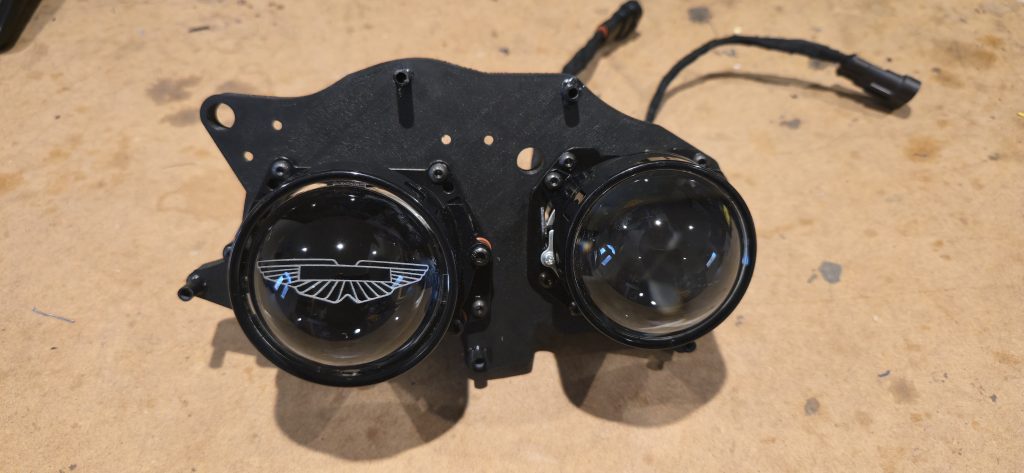
Firstly the headlights need to be removed from the car. Remove the wheel arch liner and airbox, then the three bolts that attach the headlight cam be seen, it is very common for the front bracket (and the washer brackets) to be broken, but 3D printed replacements (Much stronger) can easily be sourced from Ebay.
DB9/DBS
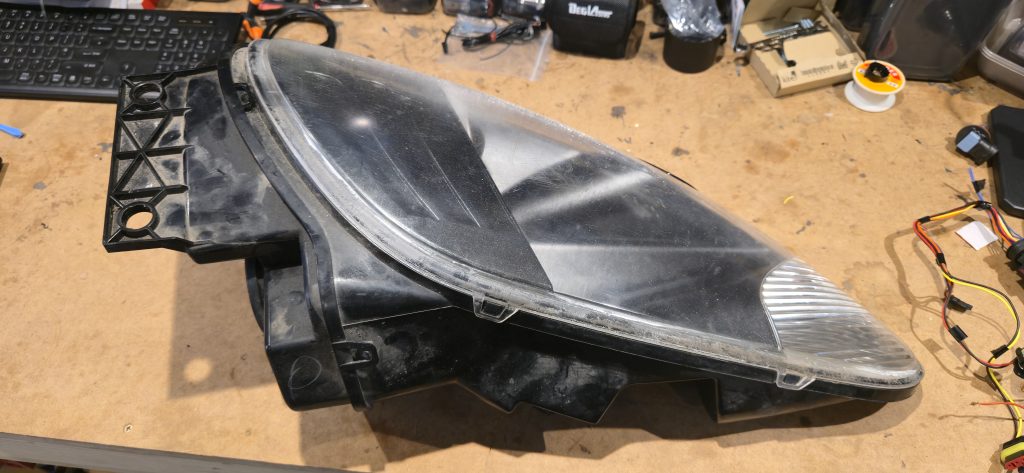
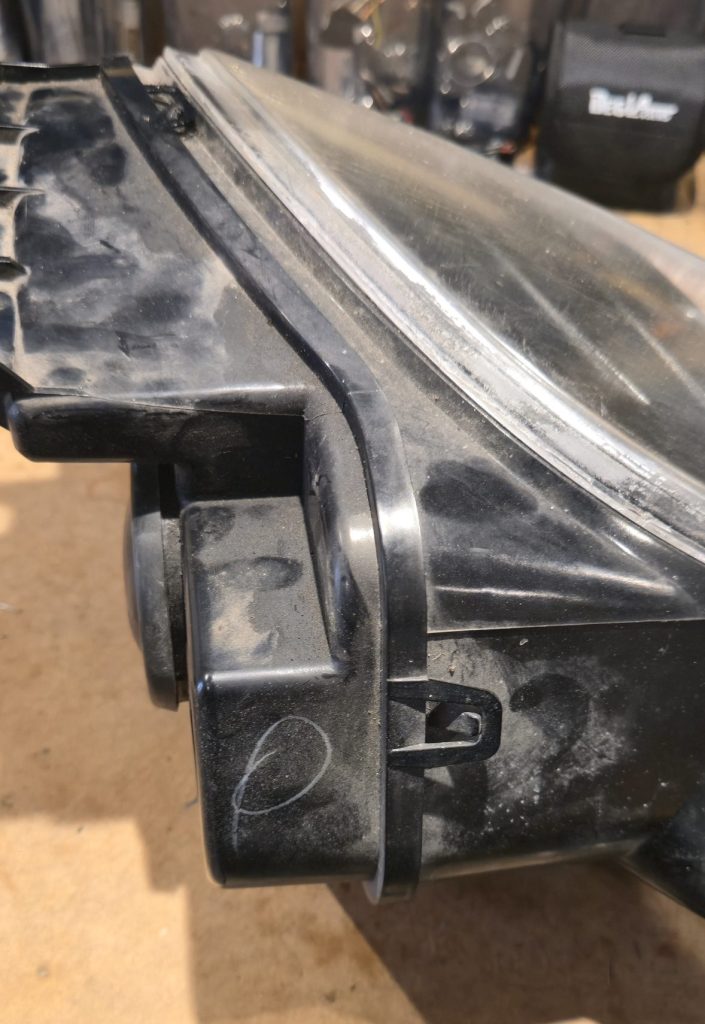
Using an oven, no more than 10-15 minutes at 100C or a hot air gun (on a fairly low heat) around the rear section of the headlight, once the plastic is warm bend the securing tabs a little.
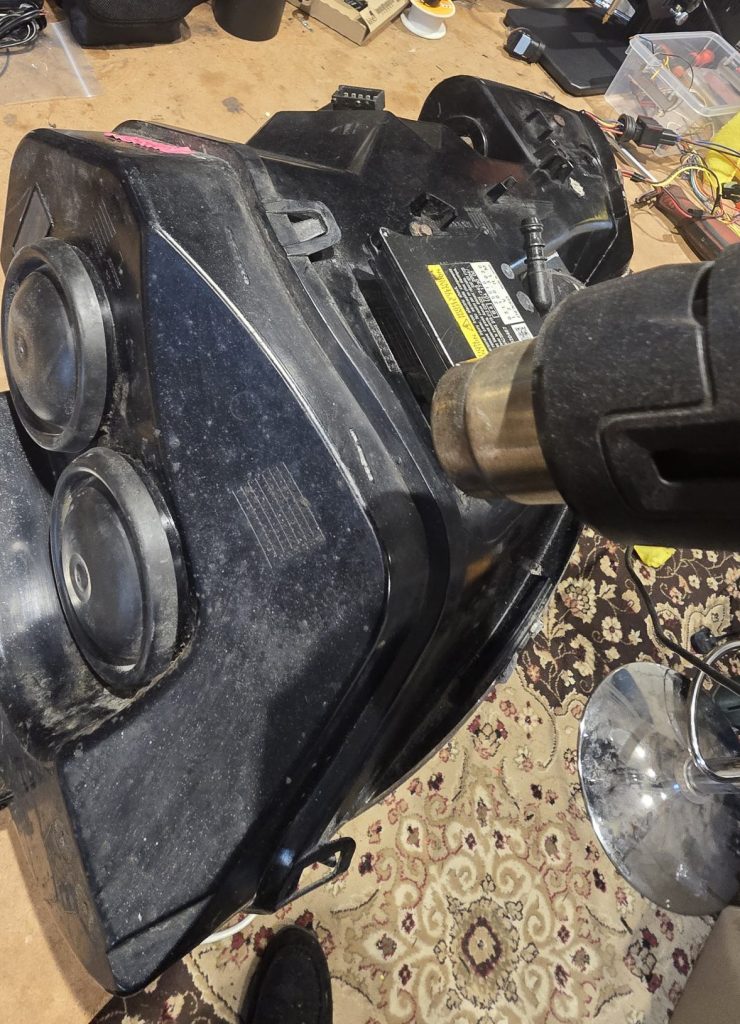
Once the tabs are released use the ballast to lever against the rear part of the headlight which should start to move away from the main body of the headlight. Then move around the rest of the rear of the headlight pulling the rear part away, don’t pull very far, it is still attached via the adjusters.
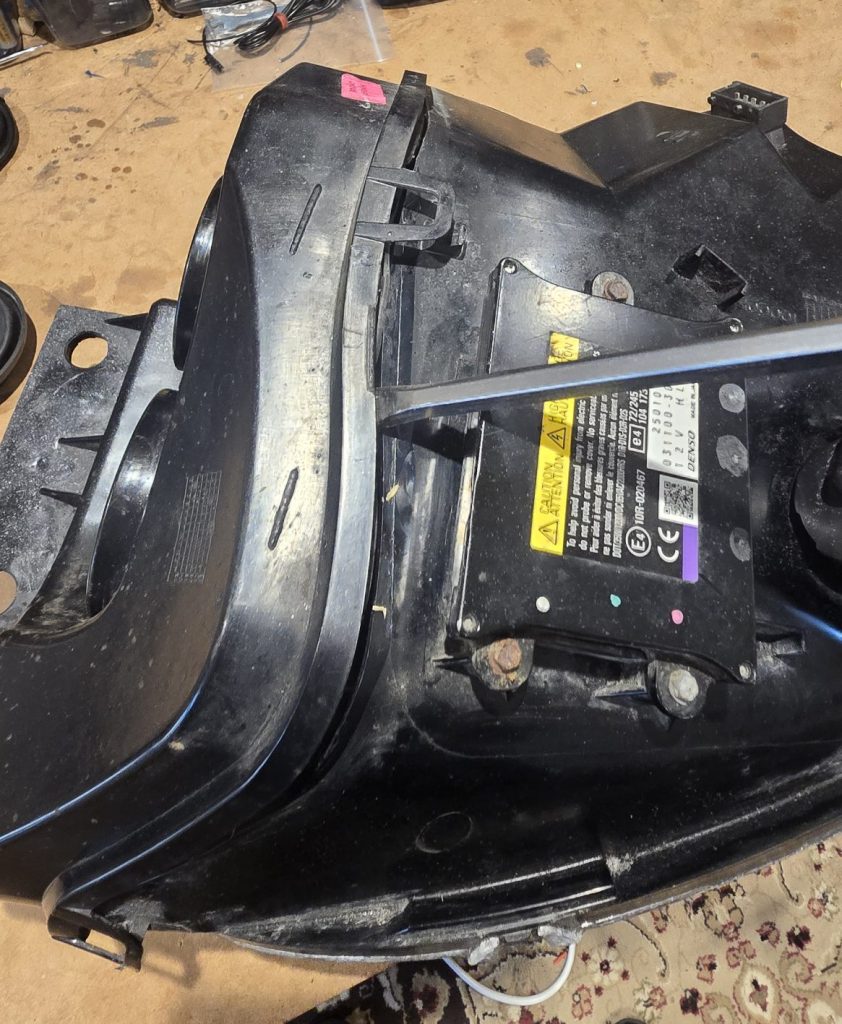
Disconnect the adjuster cables, using a medium sized flat screwdriver to lever the cable away from the adjuster.
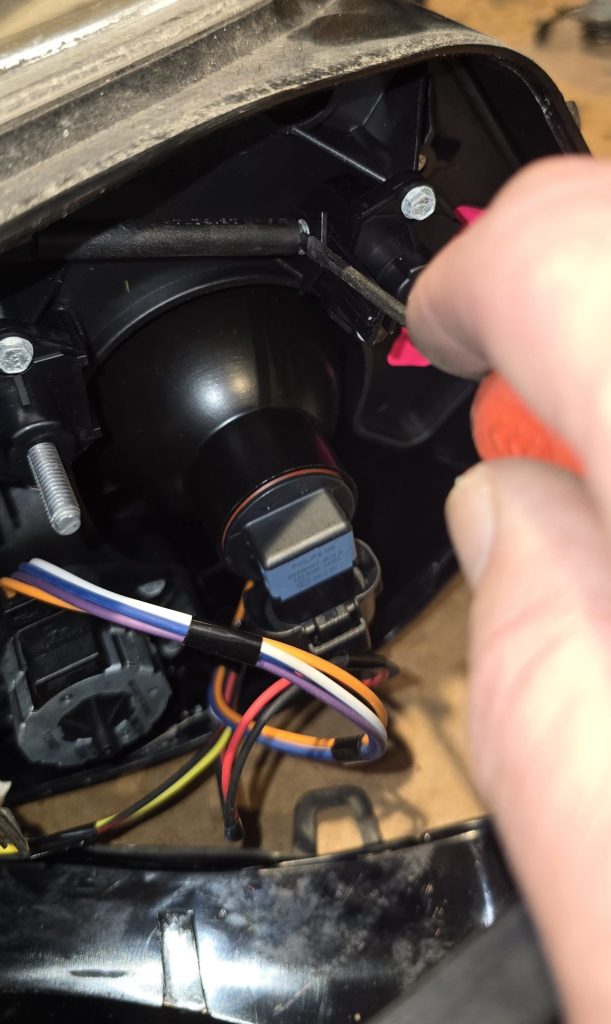
Remove the headlight levelling cable from the motor, and the bulb connectors.
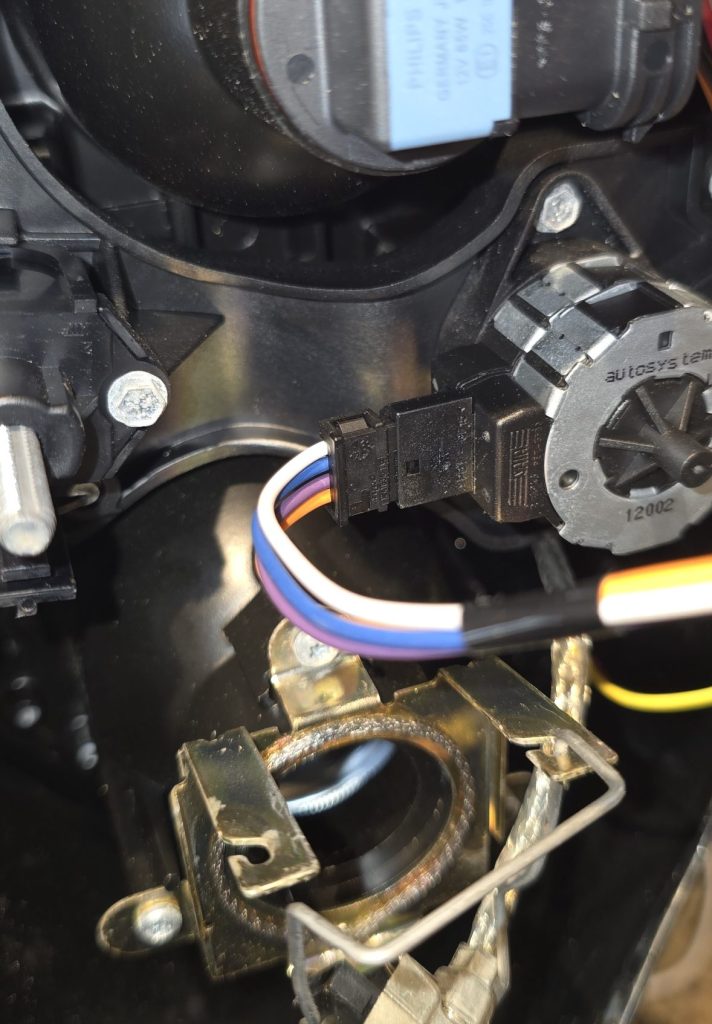
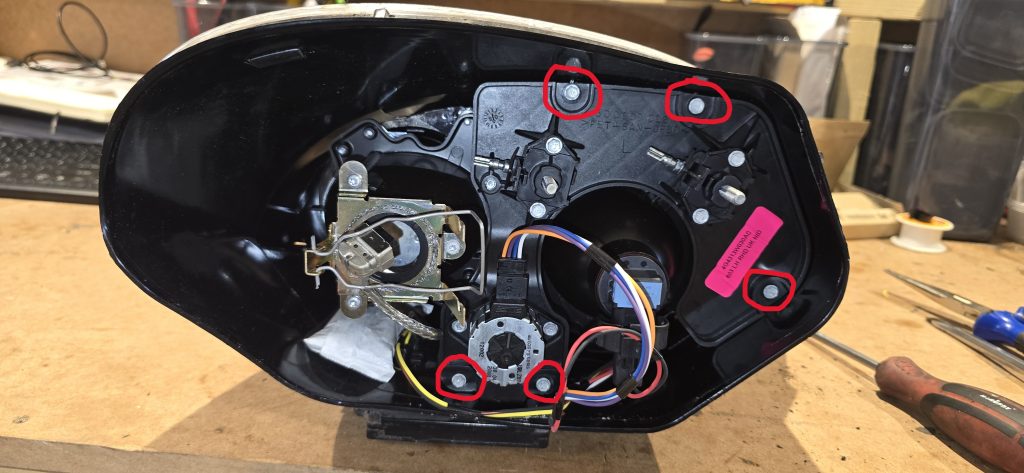
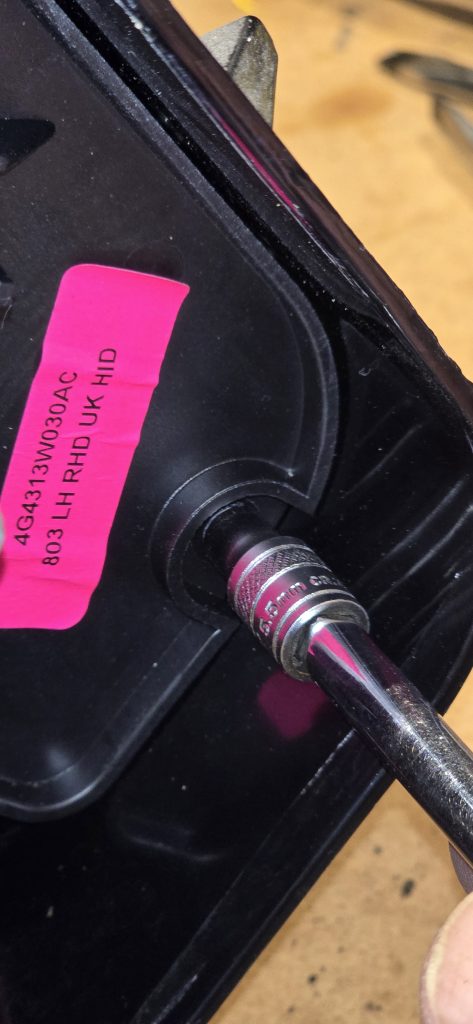
Remove the five 5.5mm screws (marked with red circles) holding the rear bracket to the headlight body.
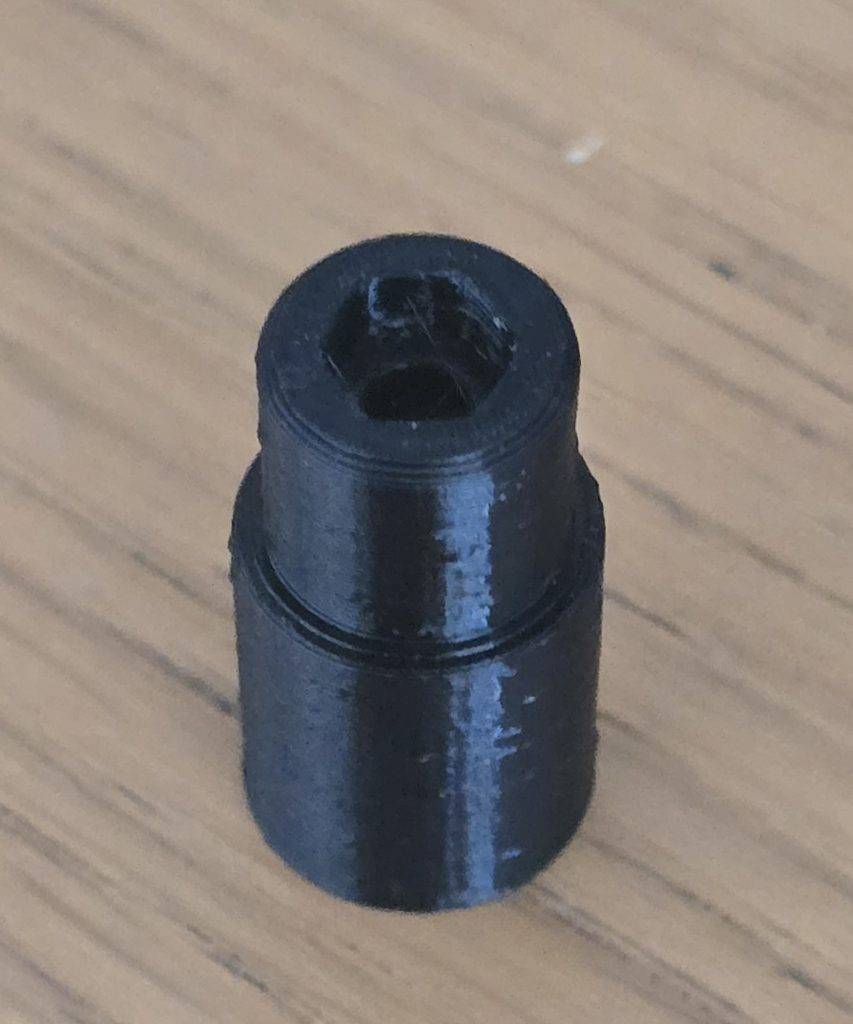
There is a (plastic) 5.5mm 1/4 inch socket included.
Carefully pull the bracket out of the headlight (it is still connected)
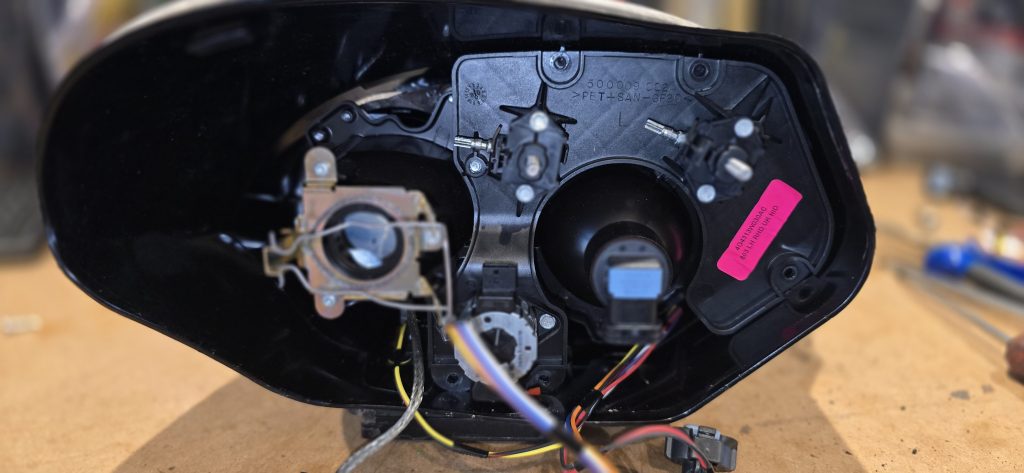
Disconnect the connectors from the ballast.
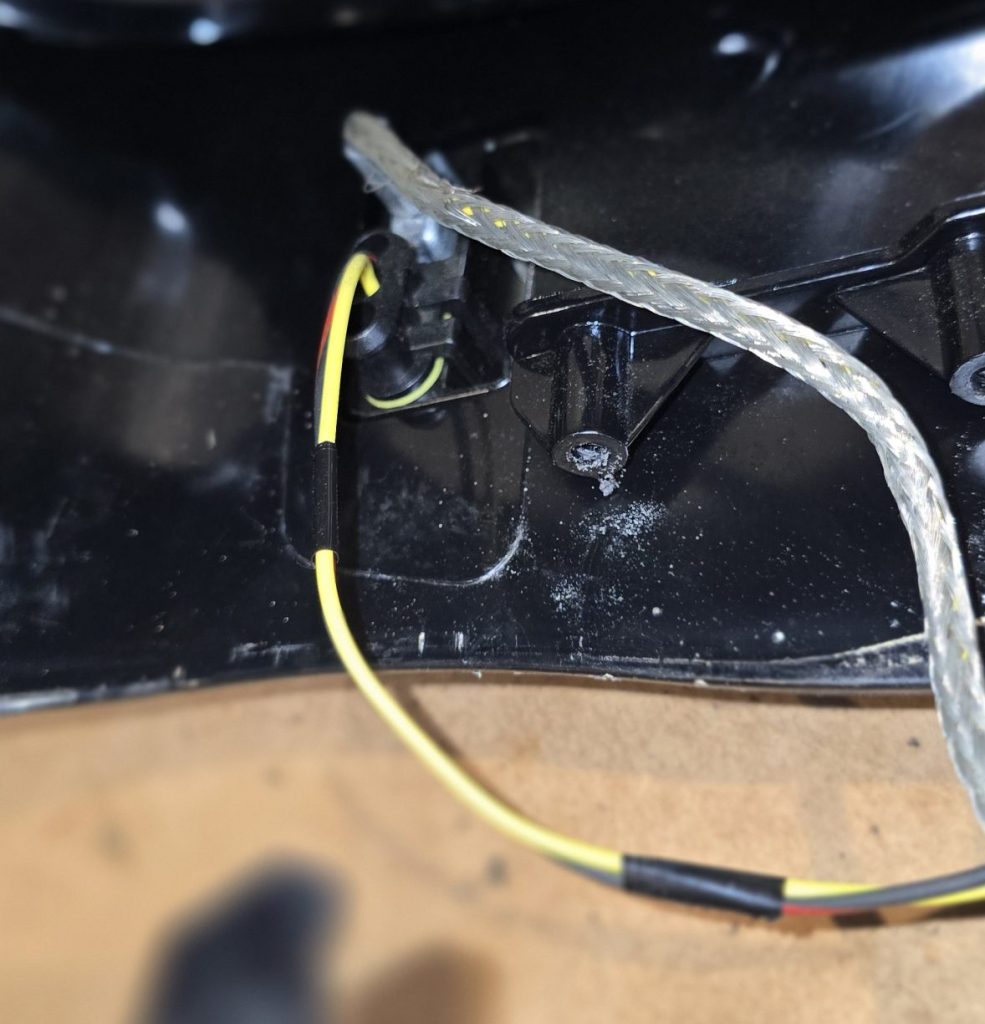
Remove the light module completely
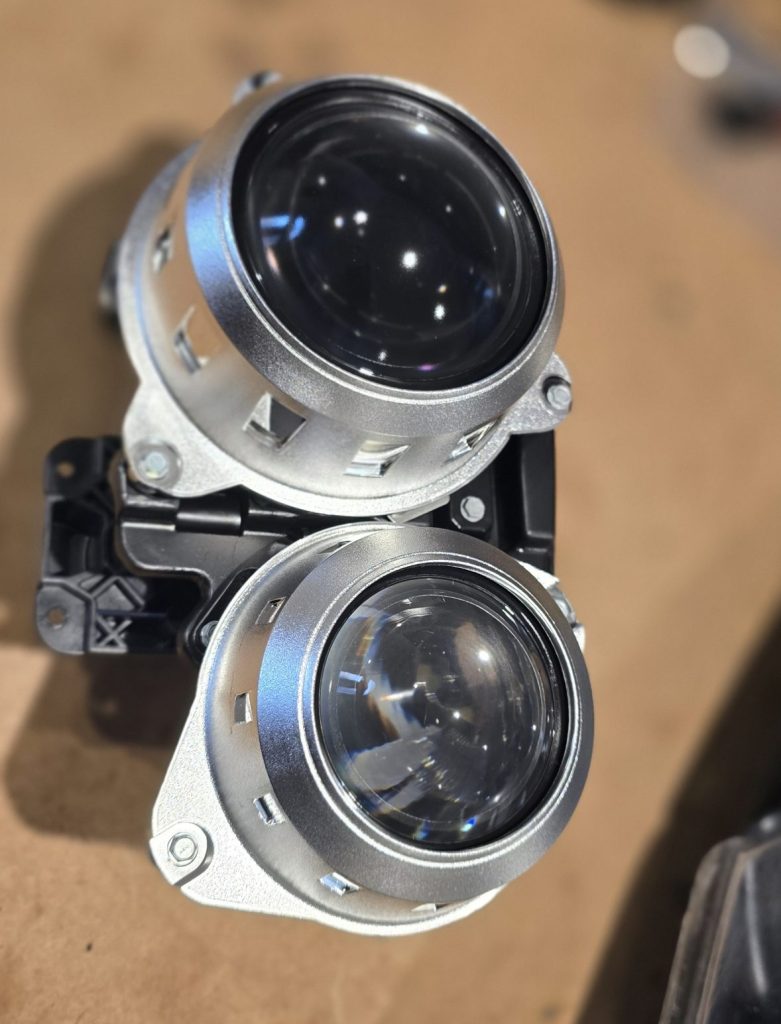
Remove the bezels using the same 5.5mm socket
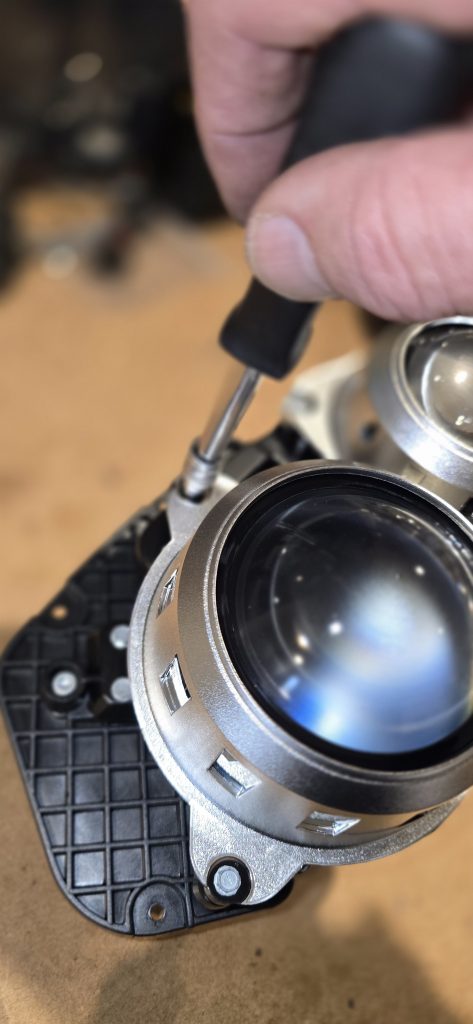
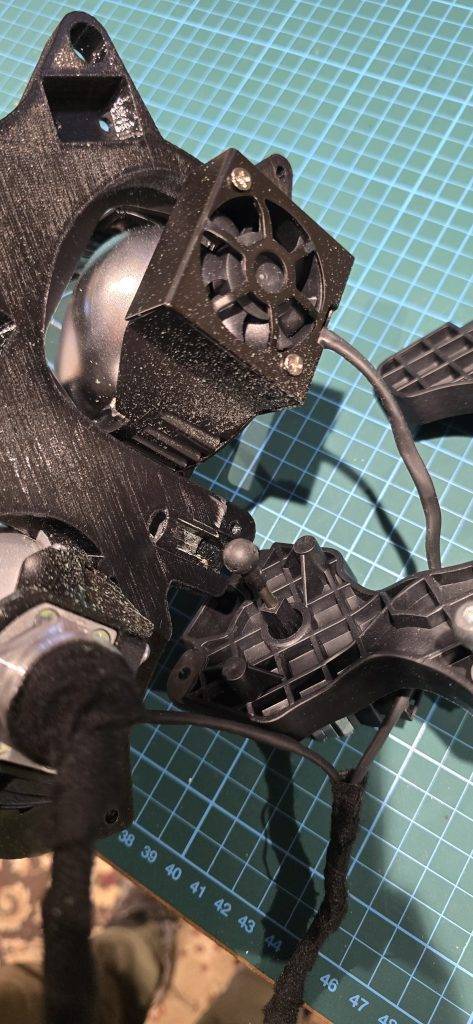
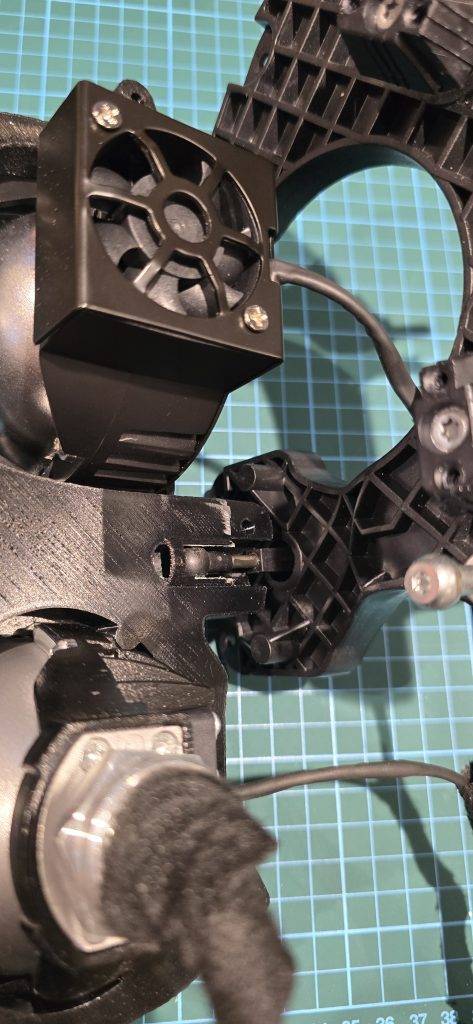
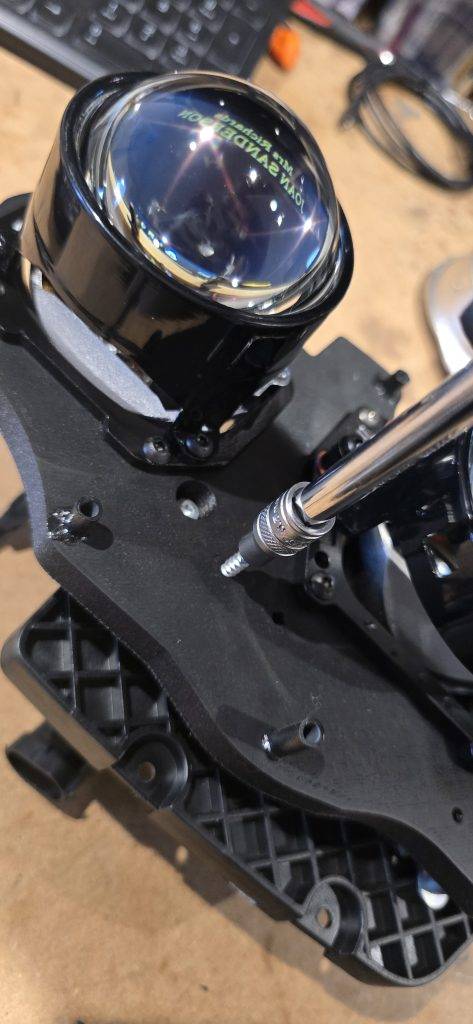
Once the Bezels are removed the module can be removed from the bracket, again using the 5.5mm socket to remove the 4 screws and then slide the ball joint from the levelling motor out of the slot.
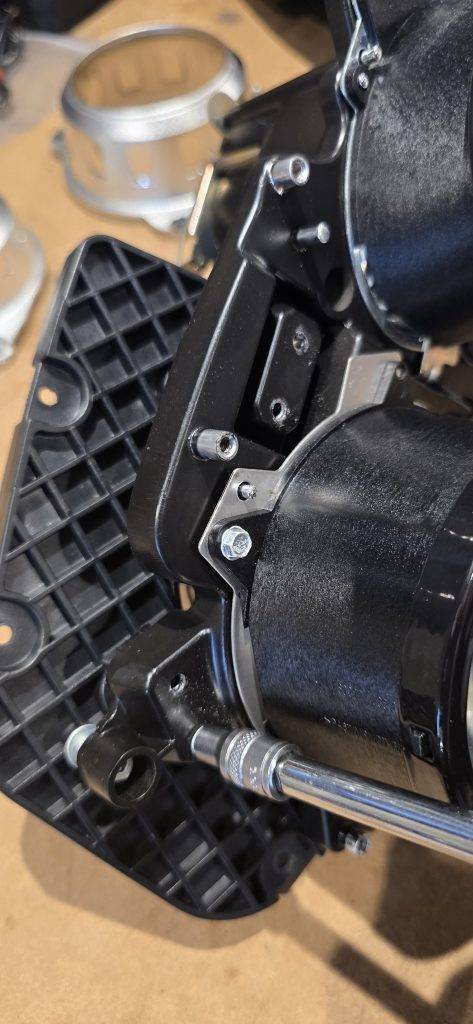
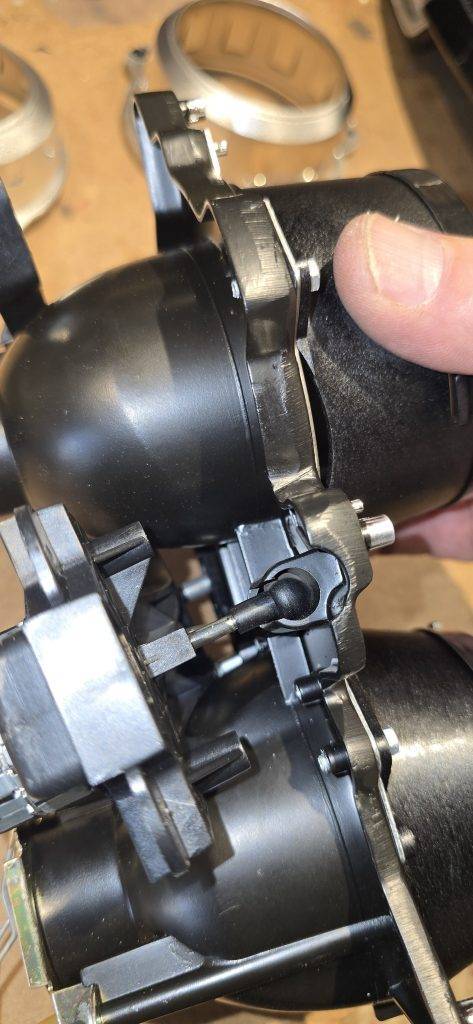
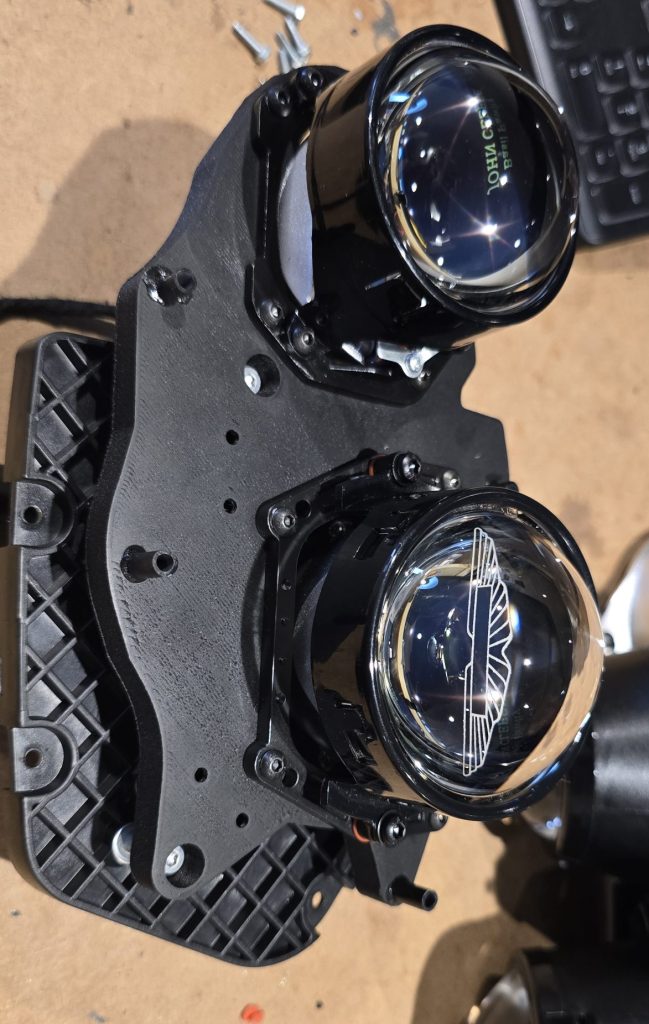
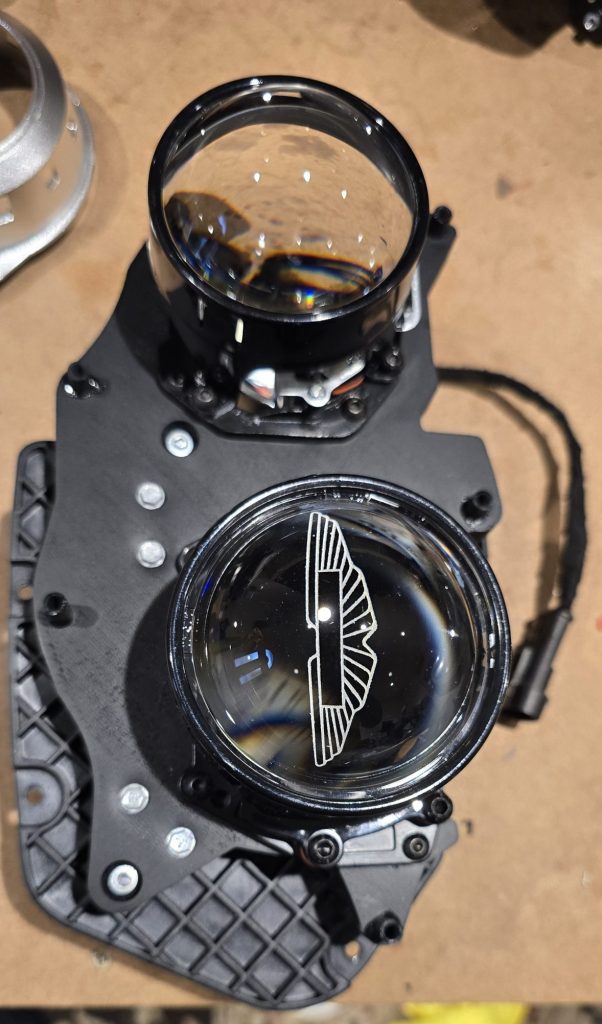
This leaves the rear bracket for the headlight, now do the reverse by attaching the new module to the bracket and fitting the bezels to the module.
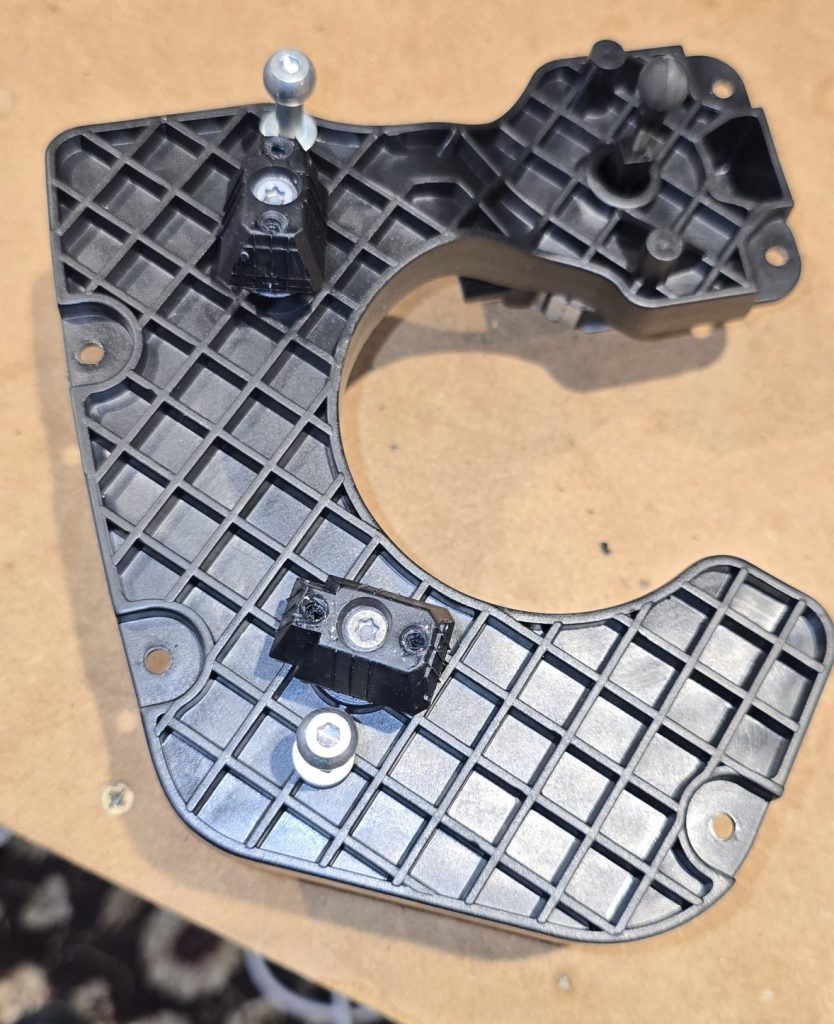
This is the bracket, the motorised adjuster has to slide into the slot first
Looks great. Just wondering is this upgrade available for a 2010 Rapide. Regards, John
Hi John,
I am currently developing the Rapide/Vanquish/DB9.2 headlight upgrade.
I should have details on the website within the month